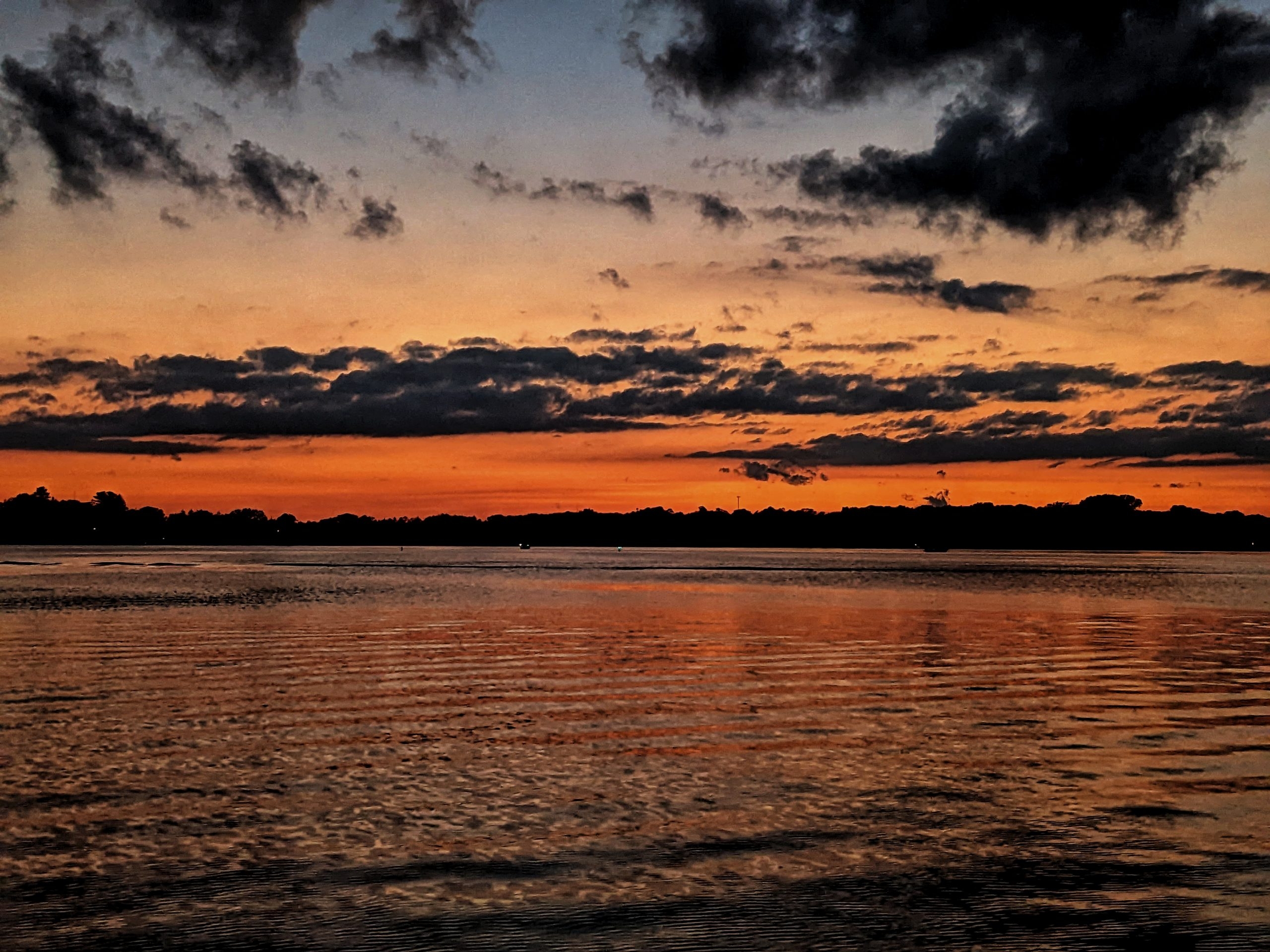

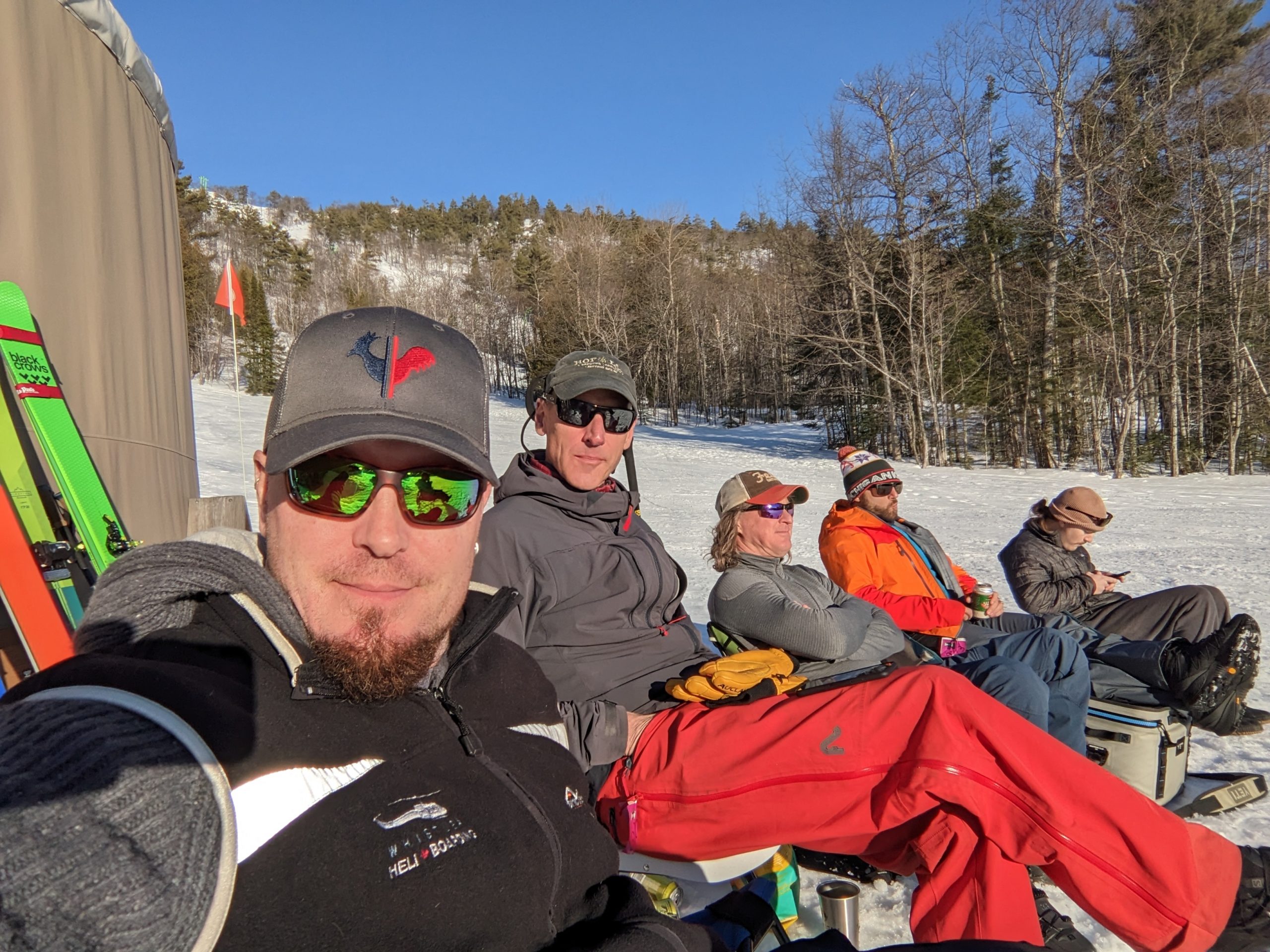
Crazy?
Its a slightly crazy person who can enjoy this kind of an afternoon
A collection of random
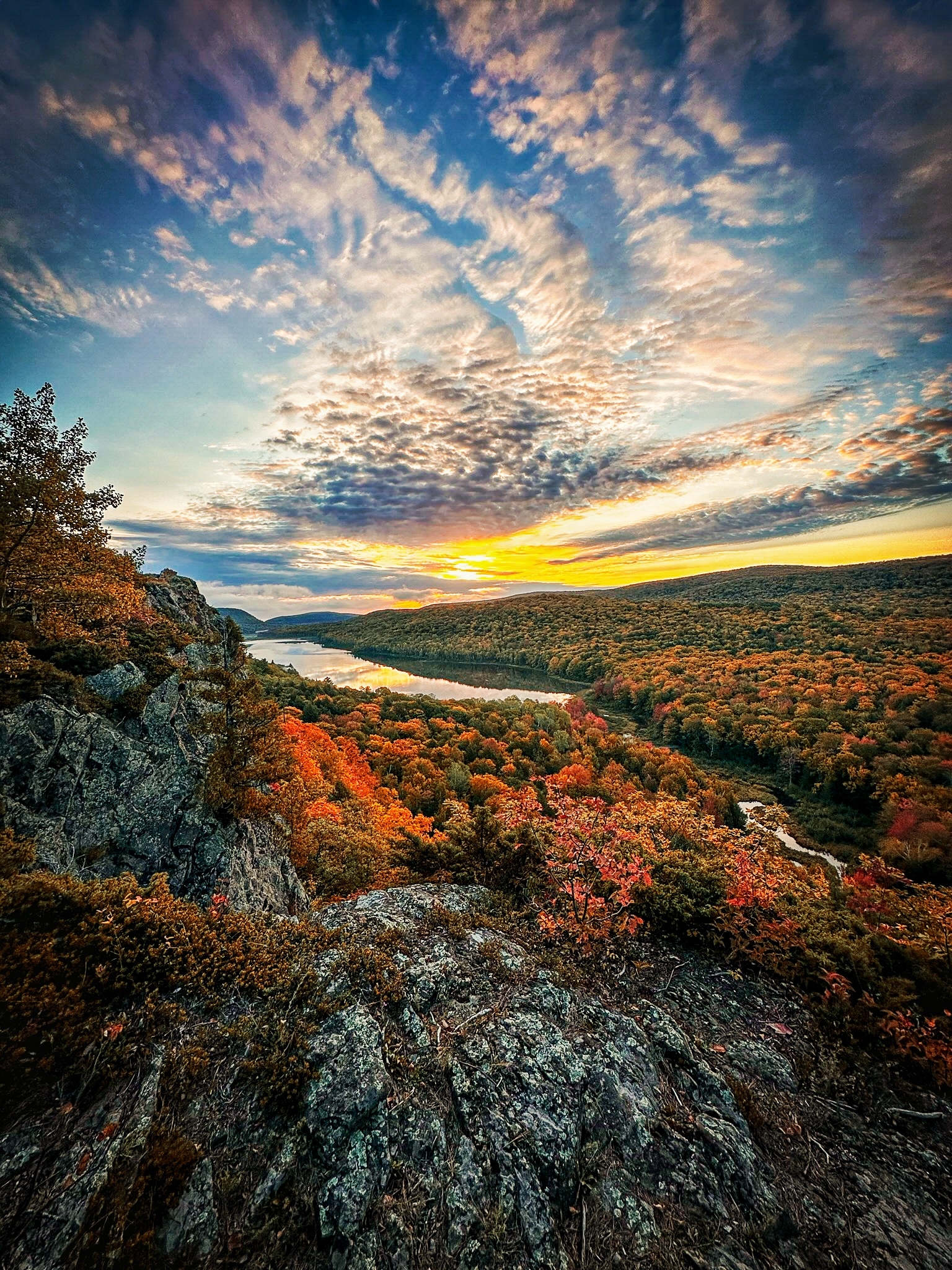
A small lake in the clouds or otherwise known as the Porcupine Mountains in the UP of Michigan

As the day winds down this guy just wasn’t ready to pack it in. I don’t blame him.
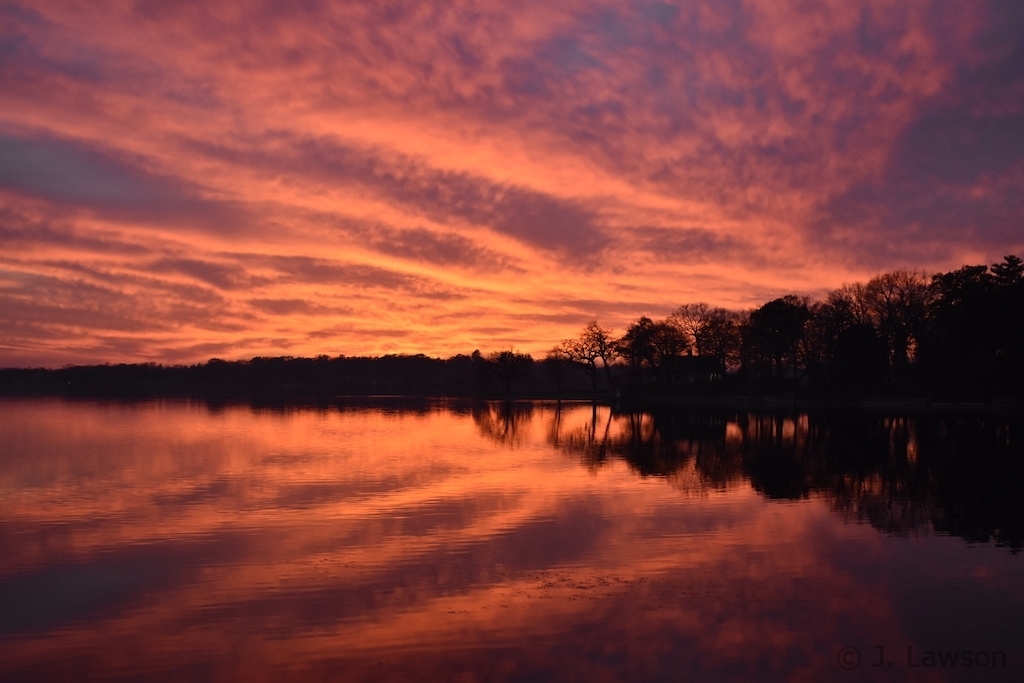
There are times when I wonder about mother nature and how much magic she wields.
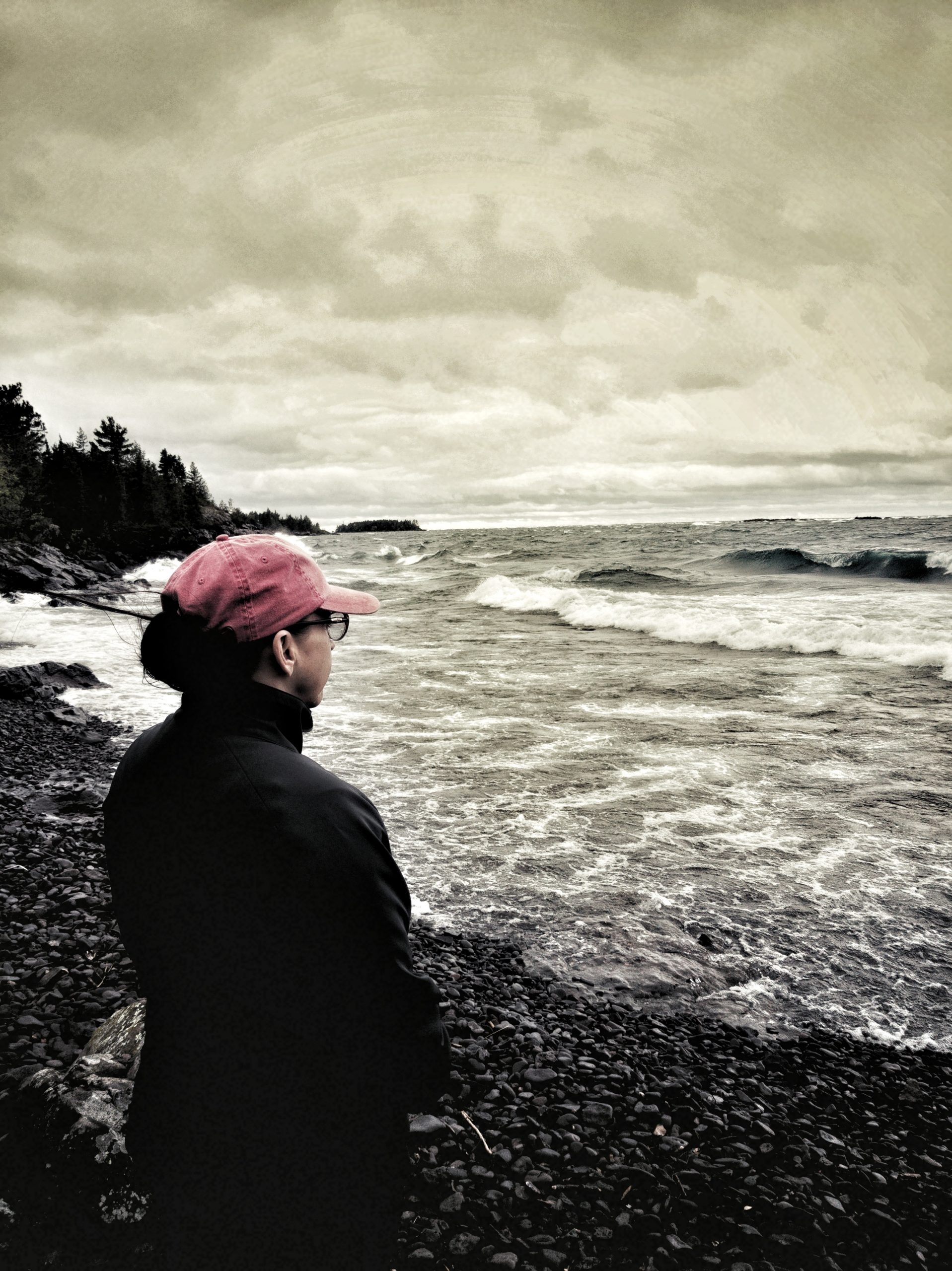
I’ve been monkeying with filters and editing, something very new for me

I want to come back as a dog with this level of comfort in my protector(s)

Unique view of where the road ends and a deep sigh of happiness begins.

Named after Mark Twain’s love, this is the bow of a ’68 Mark Twain at sunset
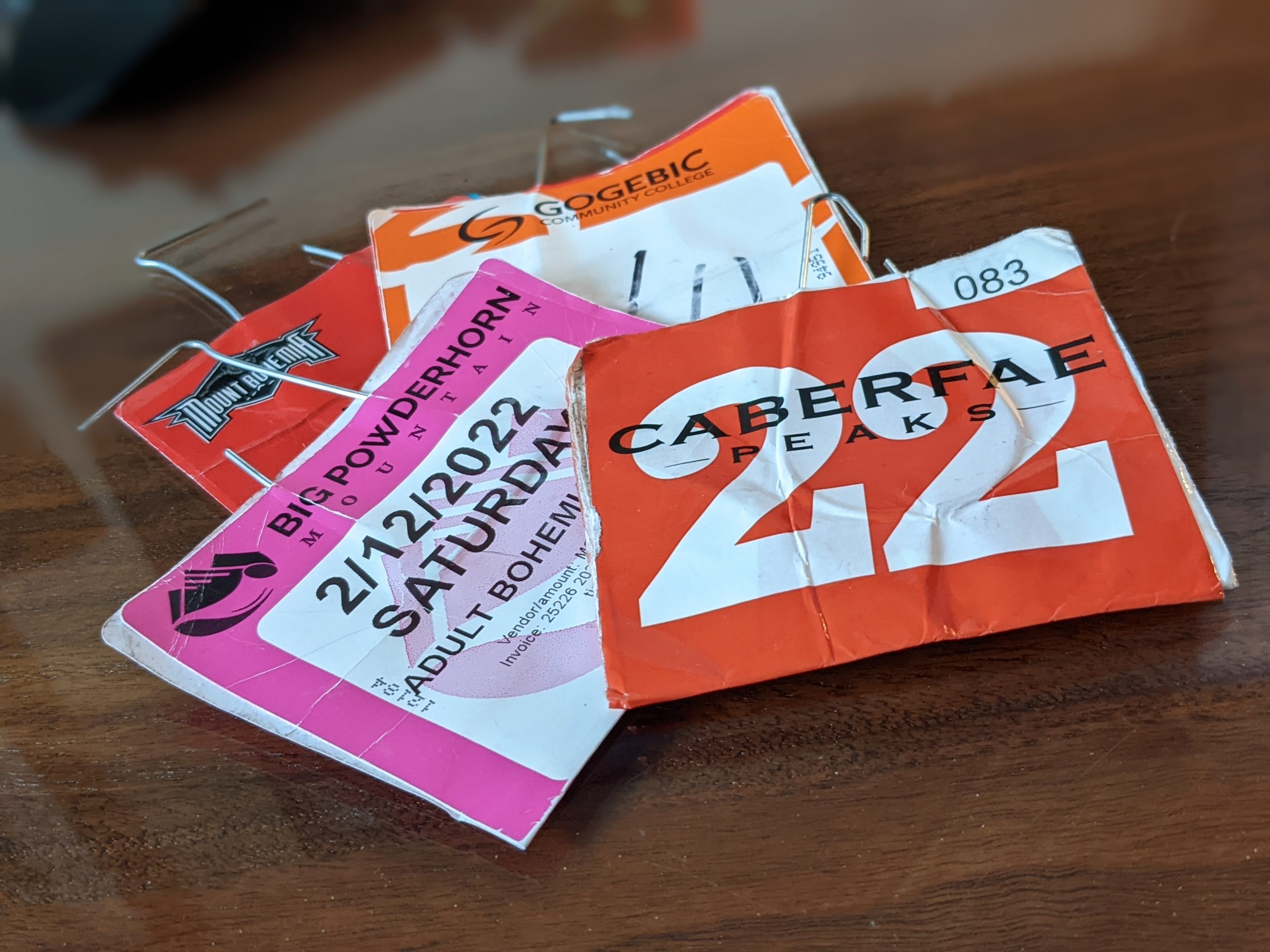
We’re back at it with this year’s Bohemia trip but this year we decided to camp first! Well why not? We threw the GFC Superlite on, strapped some Yakima Powder Hounds upside down and loaded up for 8 days of skiing in the Midwest with no less than 4 inches of fresh each day. Amazing […]
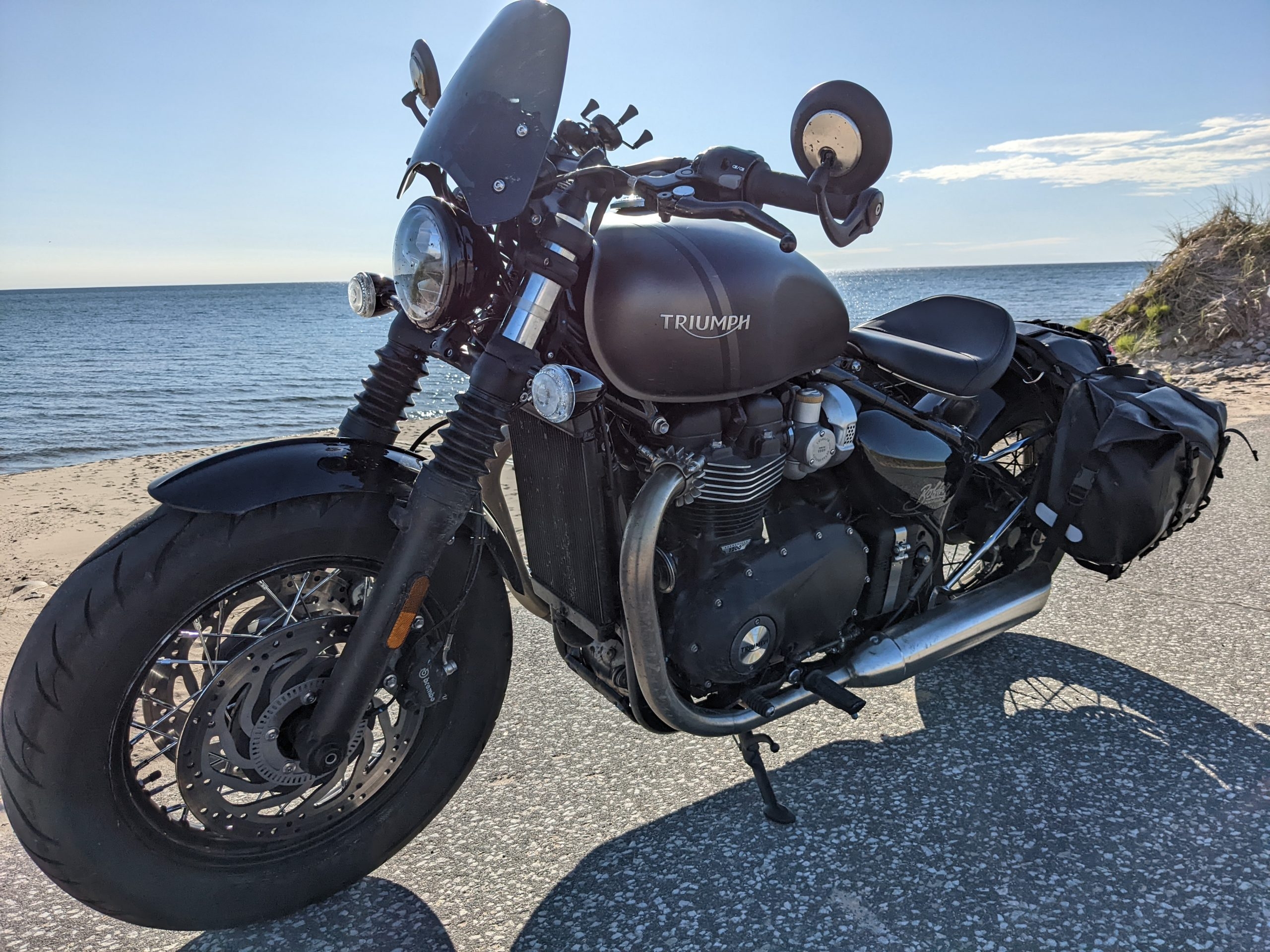
As all things fun and adventurous start this one did so over a burger and a beer while on a day ride with a buddy. “What do you think about taking a trip around Lake Michigan” he asks? And so began a 9 day trip that includes great stories, awesome memories, fantastic pictures and promises […]